A fast desktop app on your kubeconfig - or the very same UI served from inside the
cluster behind OIDC login, where every person acts as themselves and Kubernetes RBAC
decides what they can touch.
Free and open source, AGPL-3.0 · no account, no telemetry
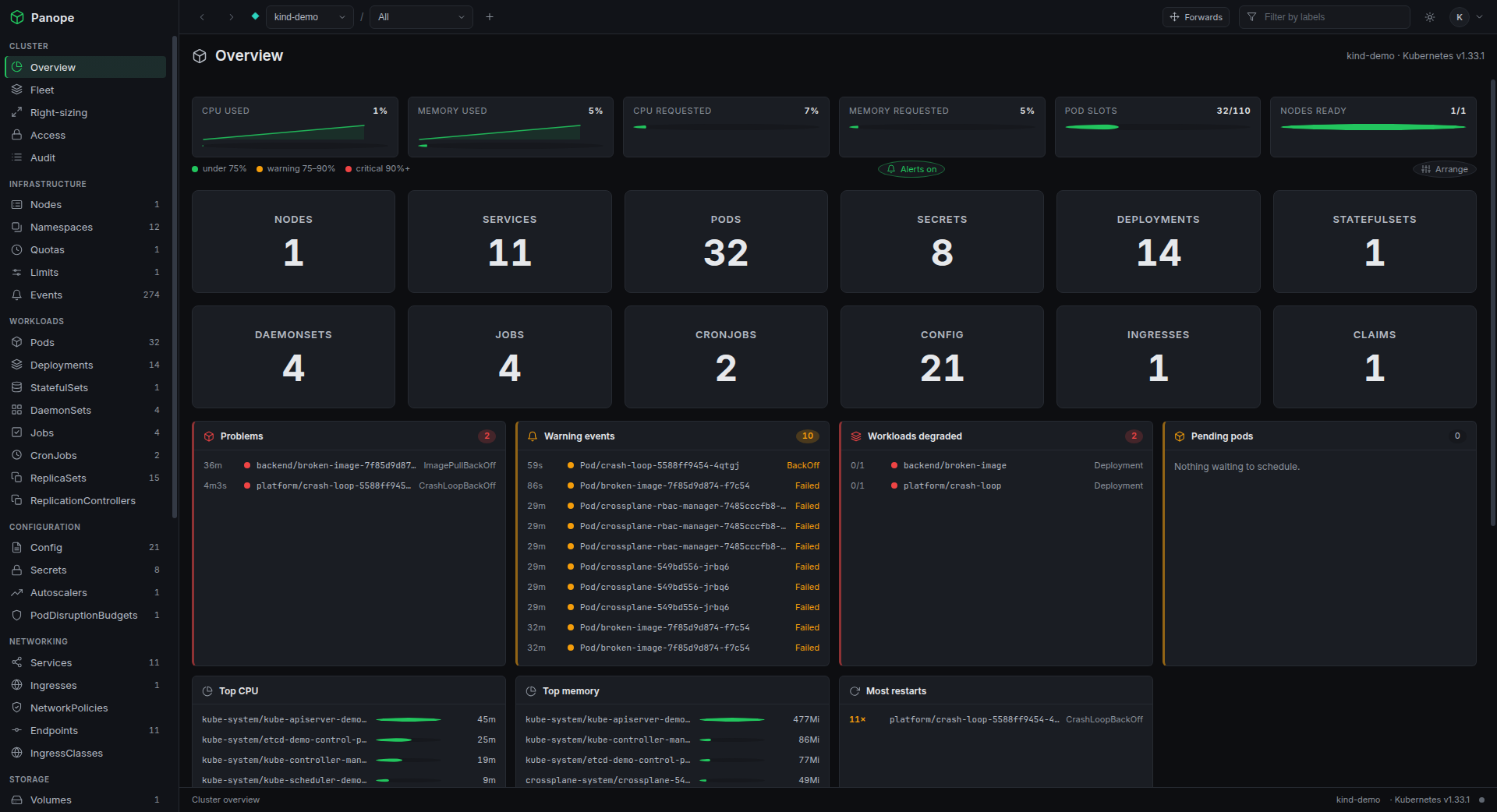
panope - cluster overview
One codebase, two deployments
Your desktop, or your cluster
The interface is identical. Only the transport and the identity change - so what you
learn in one, you already know in the other.
Desktop app
An Electron shell that talks to the cluster from the main process. It reads the
kubeconfig you already have.
Every context in your kubeconfig, switchable - plus a Fleet view that summarises them all at once
Port-forwarding straight to localhost, opened in your browser in one click
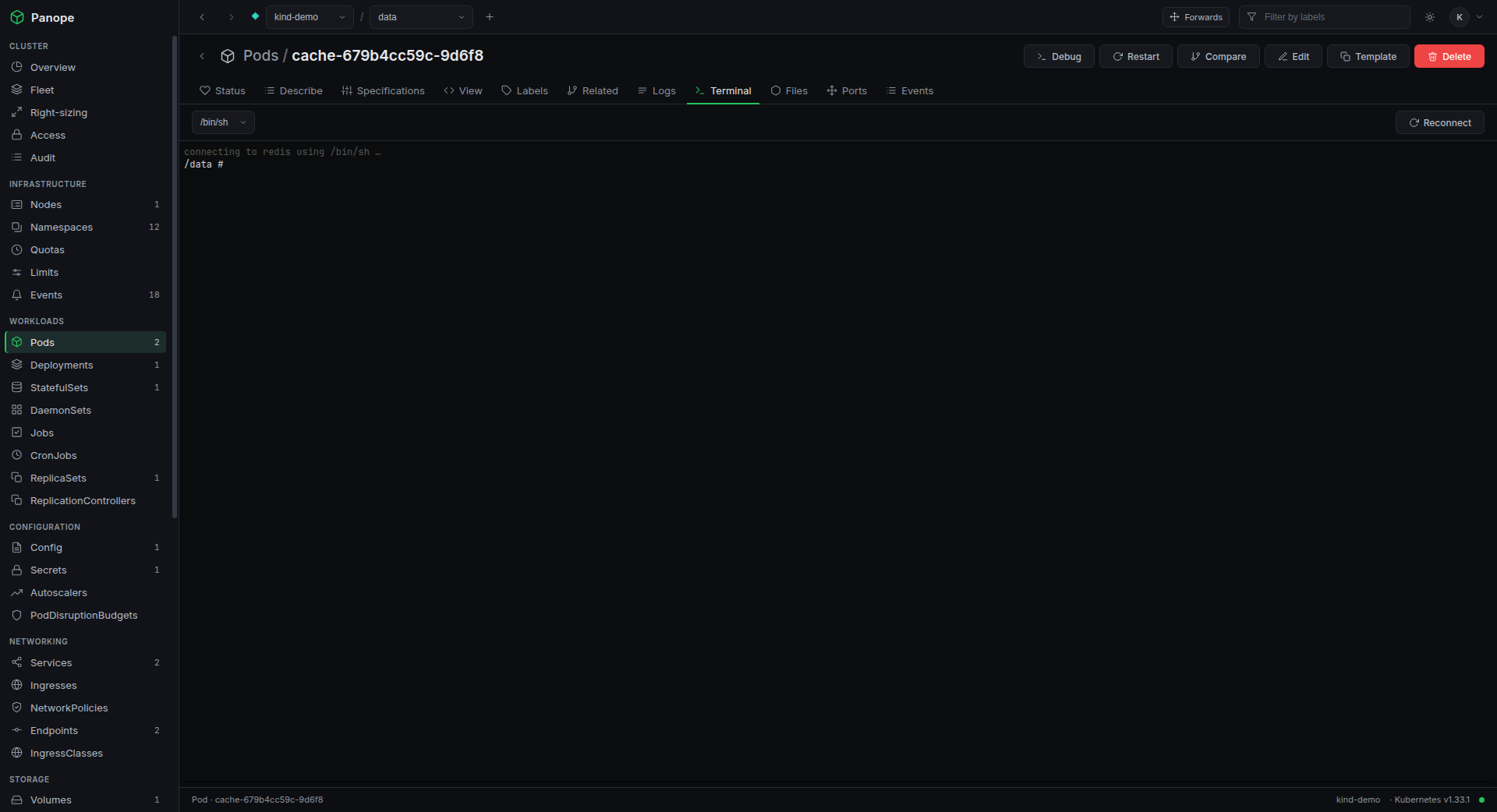
Node shells and ephemeral debug containers when you need to get your hands dirty
Nothing to deploy, nothing to expose - it is just a program on your machine
In the cluster
The same UI served from a pod behind your identity provider, for teams who should
not be passing kubeconfigs around.
OIDC login, then every API call is impersonated as that person
Kubernetes RBAC stays the real boundary - Panope can only ever subtract from it
Per-team roles gate features RBAC cannot express, like the web terminal
Every mutation is audited: who, what, when, and whether it worked
What you get
Everything you reach for, in one window
Built for the things you actually do all day, not a dashboard you glance at once a week.
Live, not polled
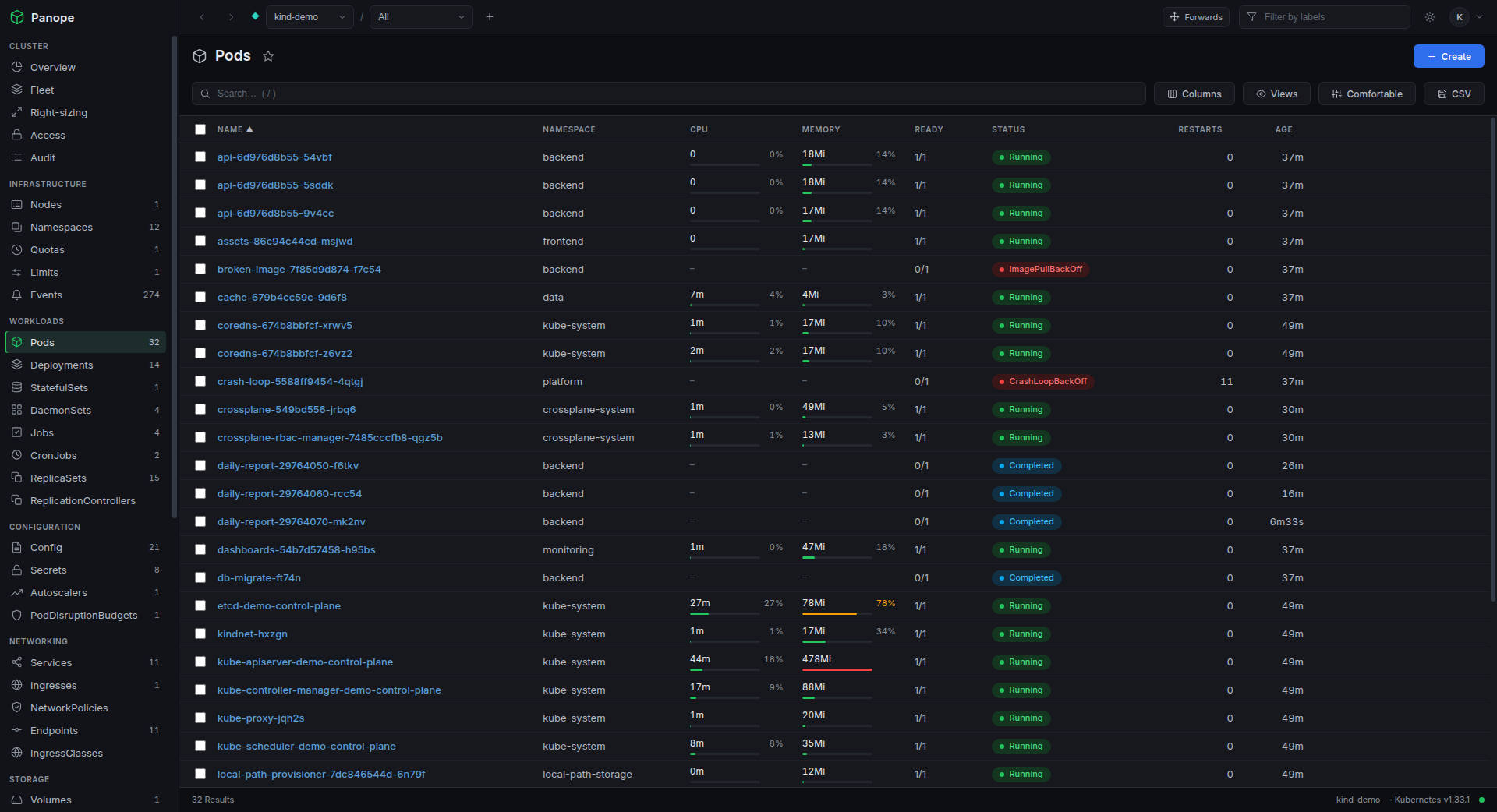
Tables ride self-healing watch streams, so rows change the instant the cluster does. Reconnects with backoff on their own.
Every CRD, automatically
All CustomResourceDefinitions are discovered and grouped by API group, with dedicated ArgoCD and Crossplane sections.
Logs, exec, forwarding
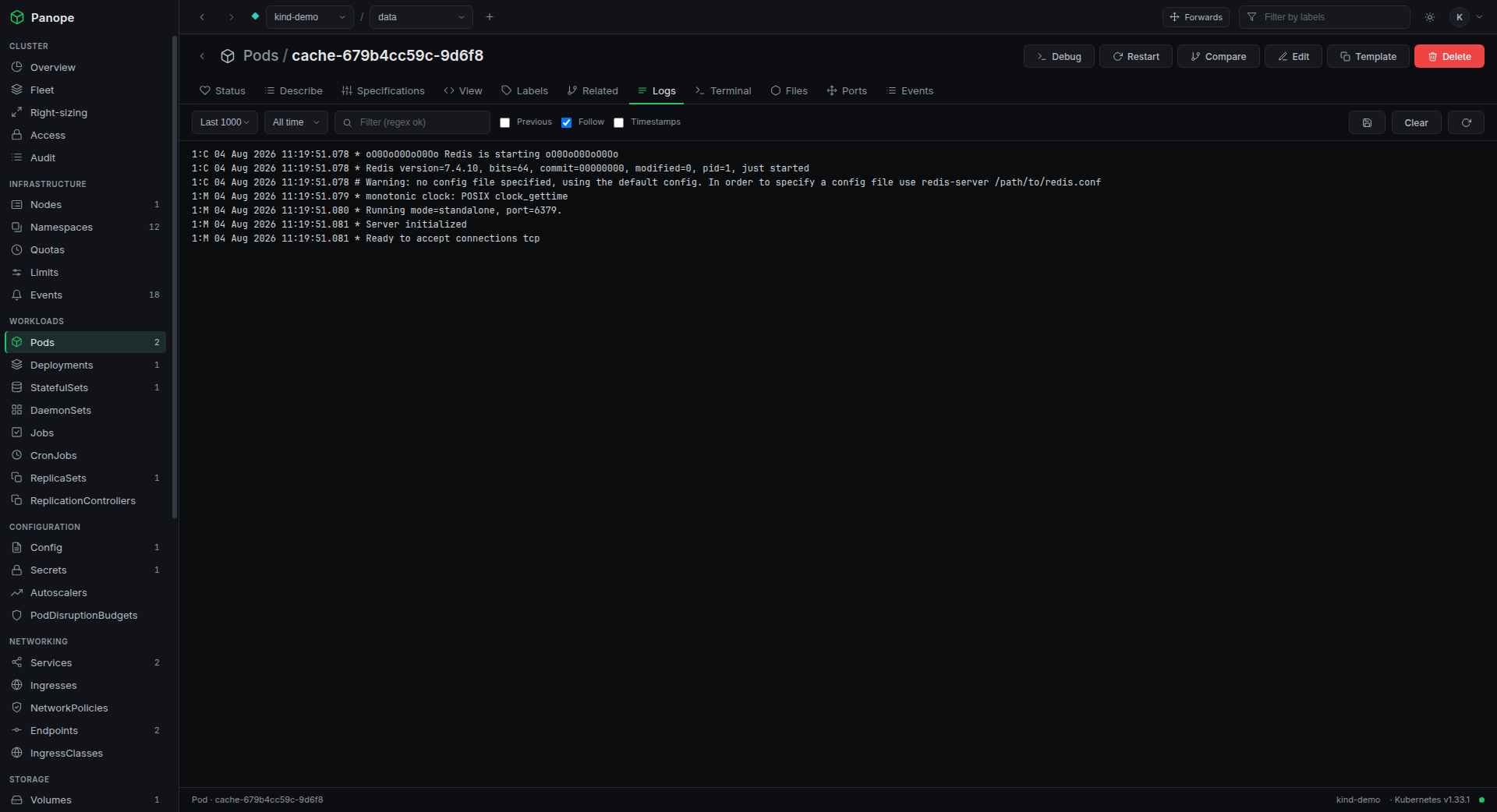
Streaming logs with filters, a real xterm.js terminal with live resize, and one-click port-forwards that pick a free local port.
Edit with confidence
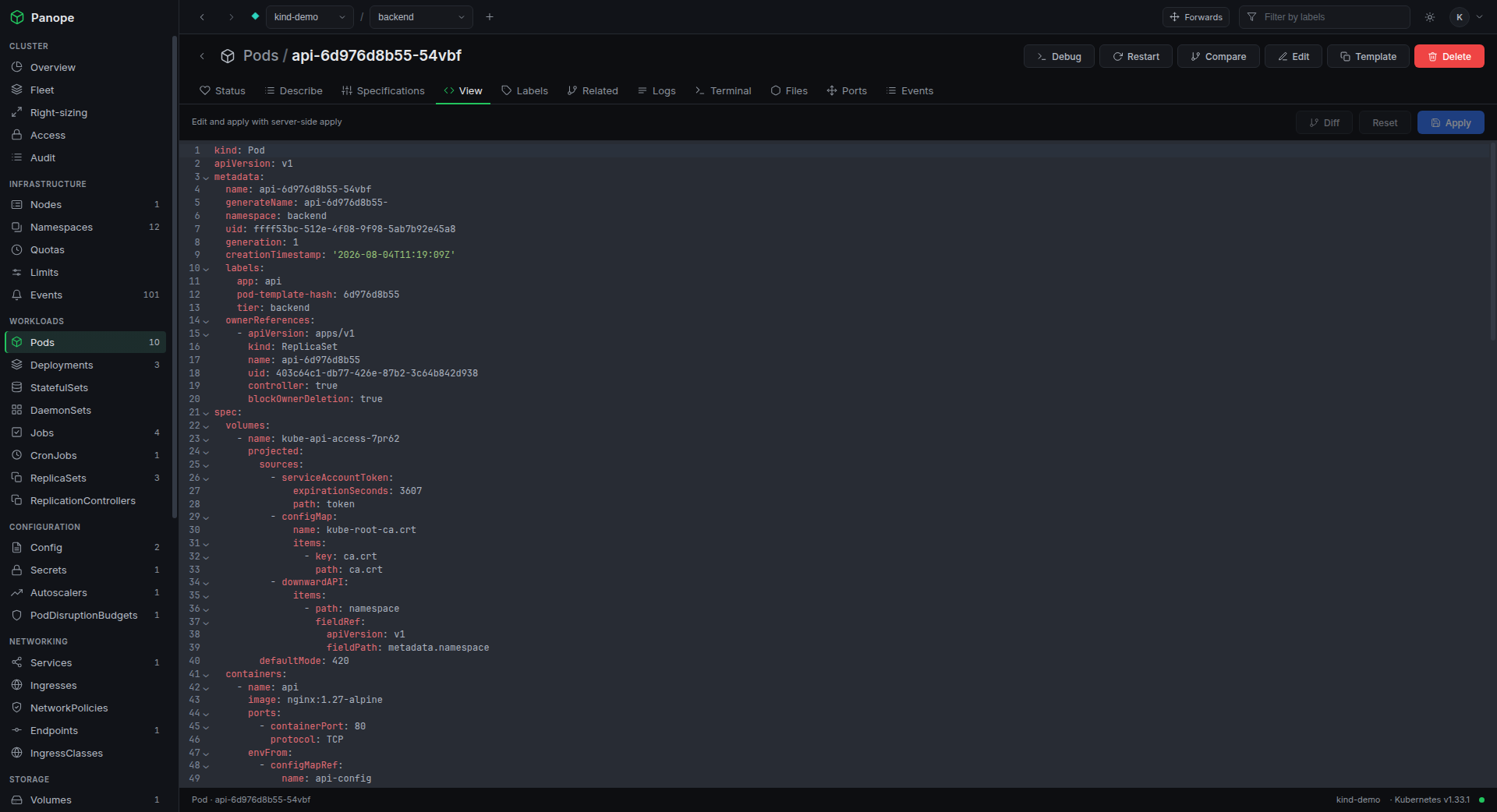
A YAML editor using server-side apply, with a dry run first and a diff against the live object before anything is written.
A dashboard you arrange
Drag panels where you want them, hide what you do not need. Thresholds colour themselves and problems flash. The layout survives restarts.
Can I? Answered properly
A verb-by-resource matrix answered by the cluster's own authorizer, not guessed from Role objects - so webhooks and aggregation count.
Helm and GitOps
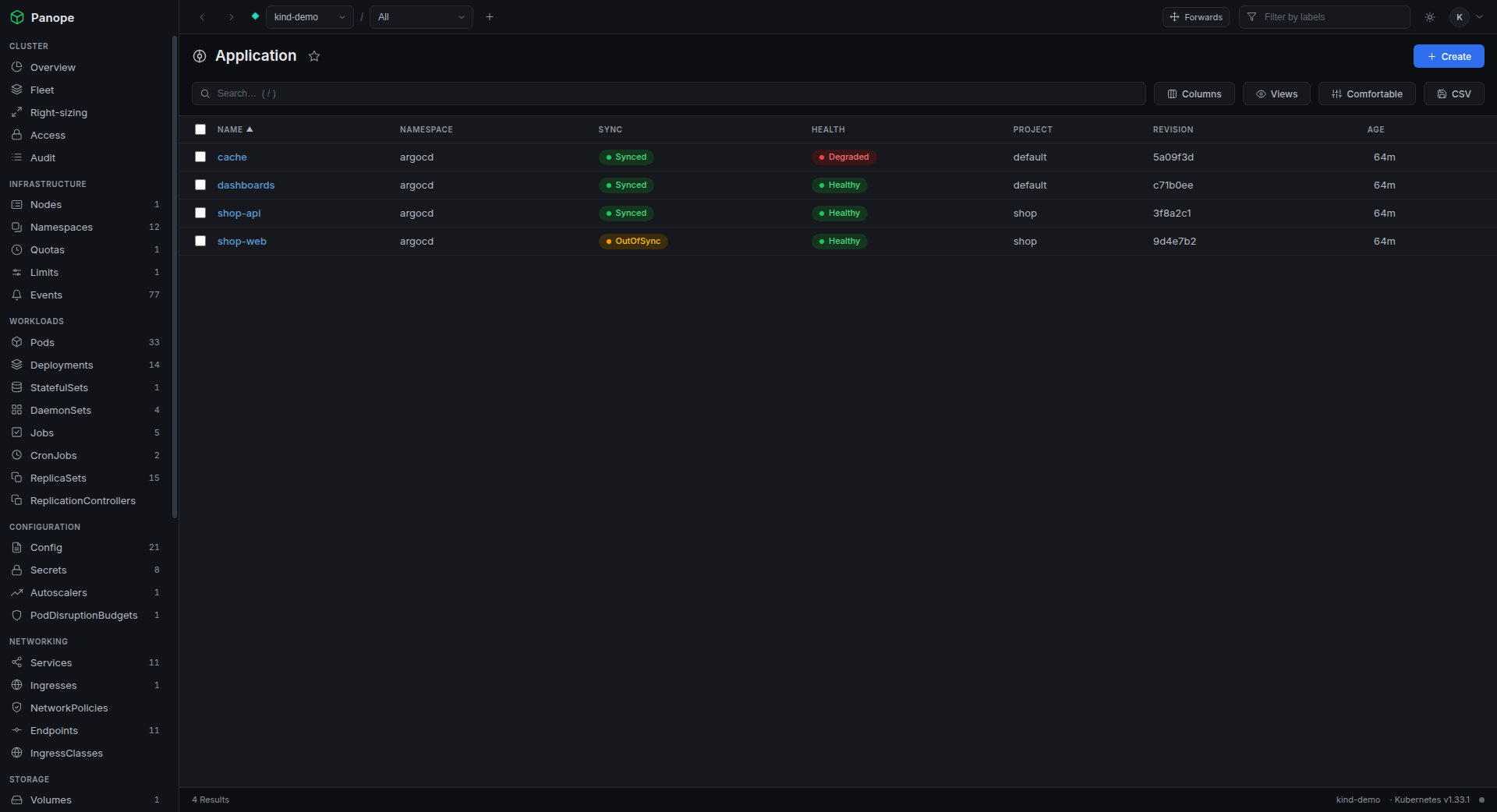
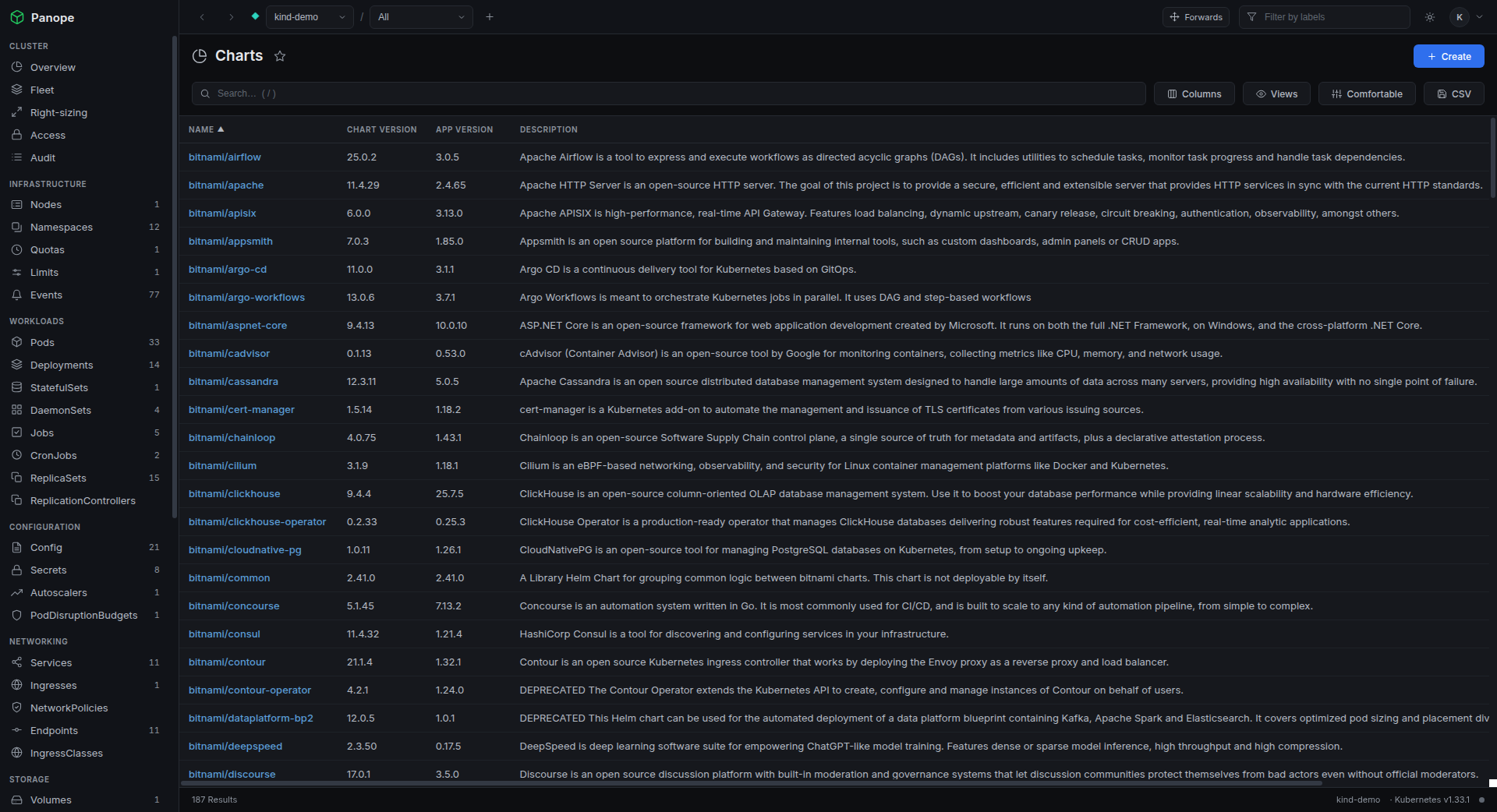
Install and upgrade charts with a values diff, roll back from history, and see ArgoCD sync and health with drift called out.
Right-sizing
Measured usage against declared requests: what is OOM-killing, what is about to, and what is quietly burning ten times what it uses.
Fleet at a glance
Every kubeconfig context probed in parallel, trouble first - without switching context to find out something is on fire.
Neighbourhood and side by side
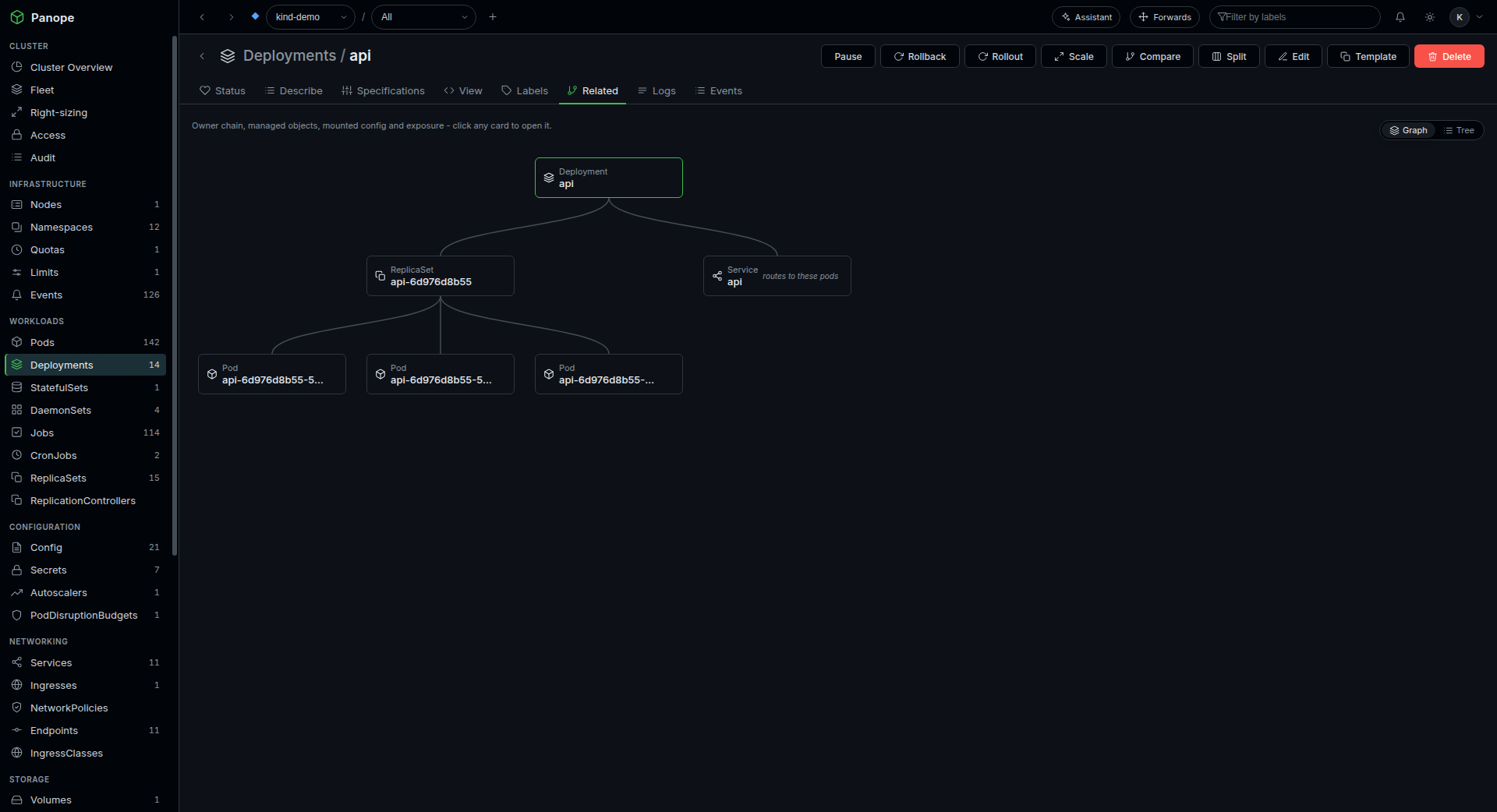
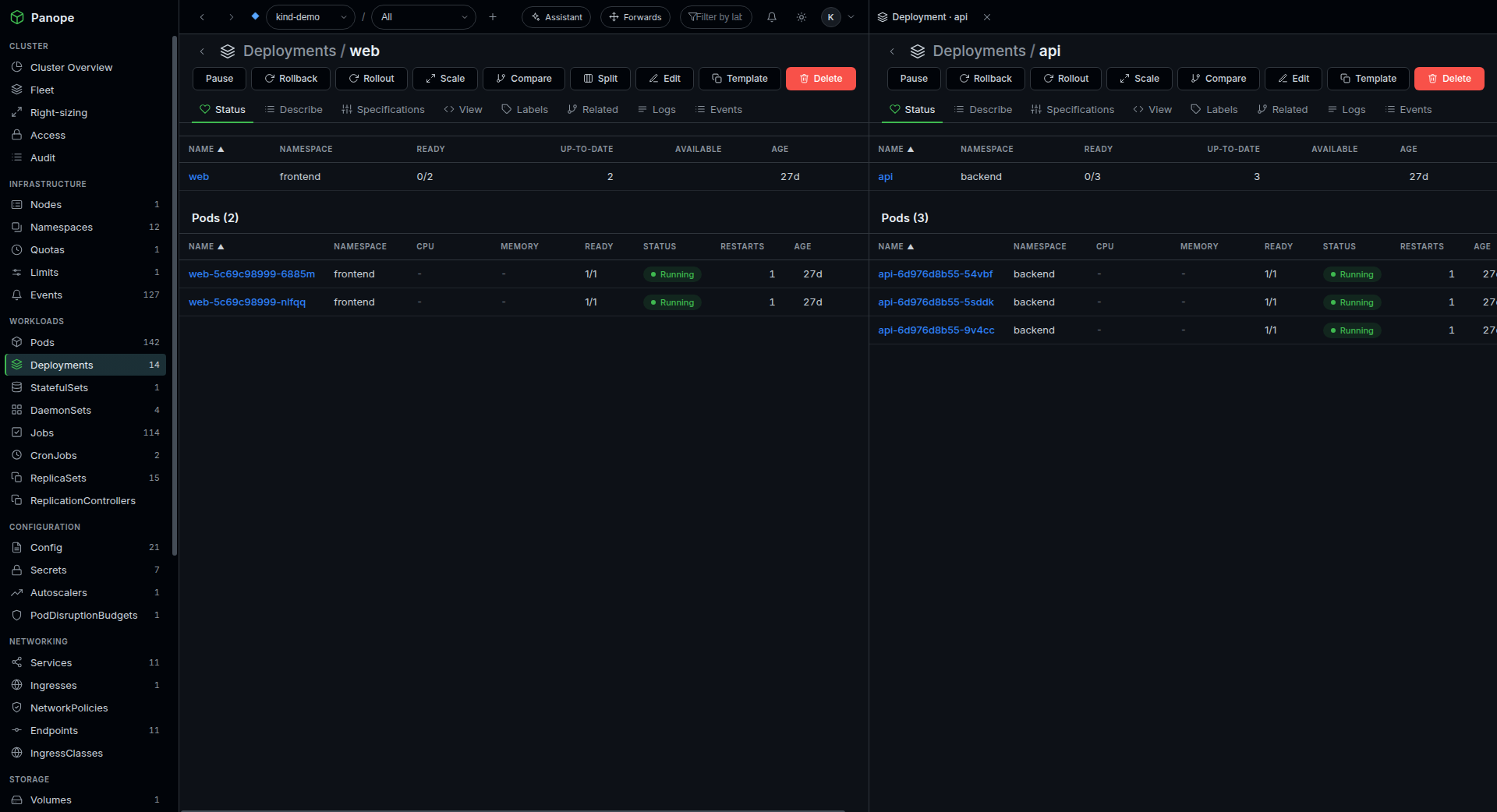
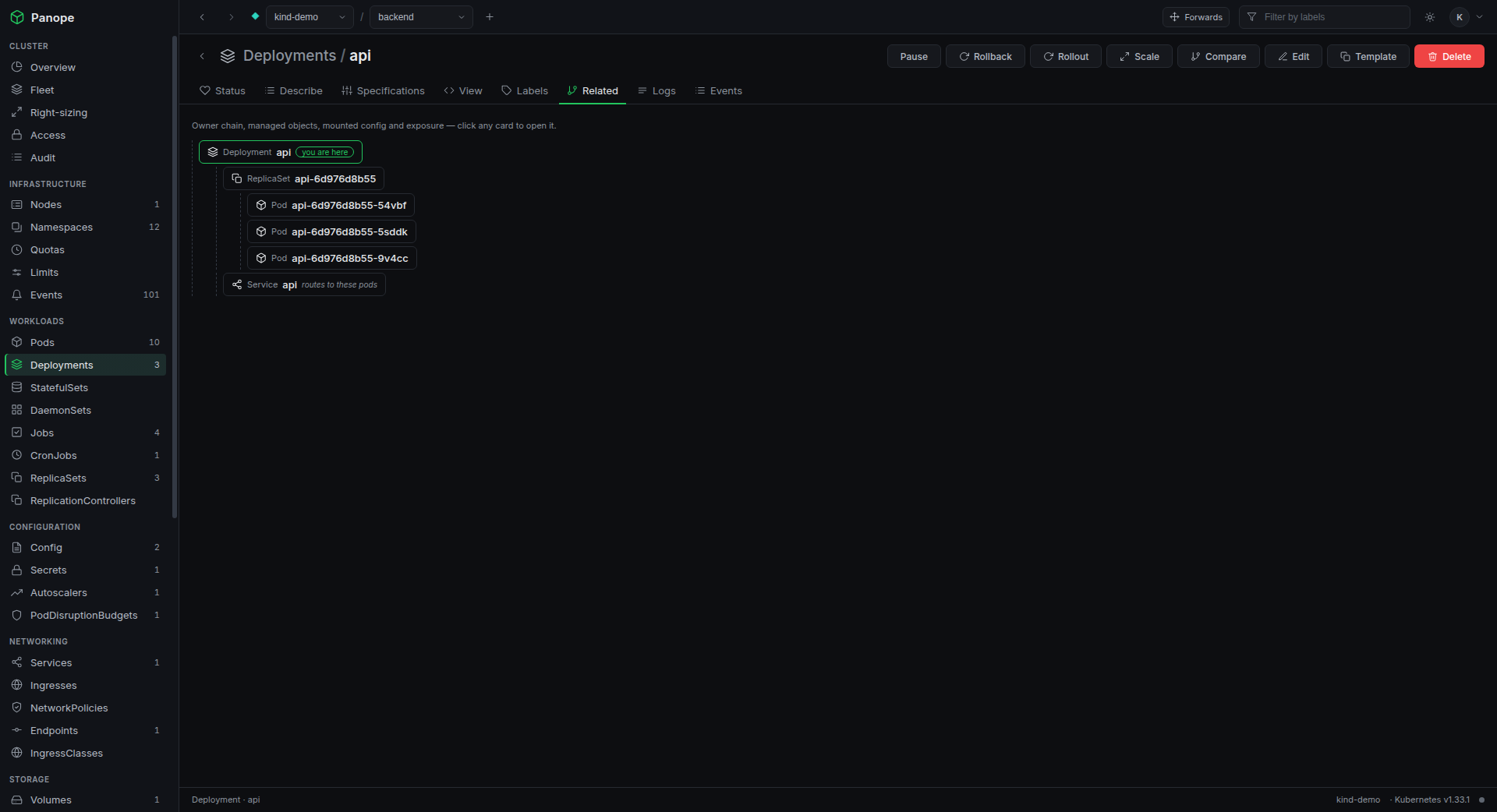
Any object's surroundings as a graph: owners, ReplicaSets, mounted config and the Services exposing it. Pin one next to the list and keep browsing.
API removal scan
Open a Helm release and every rendered apiVersion is checked against what your cluster's discovery actually serves, with the newest replacement named. Asked of the live cluster, so CRDs count too.
Support window
The Kubernetes version carries a badge once its minor stops getting patches, or is about to within 90 days, and says how many patch releases behind you are.
New in 3.3.0: the API removal scan and the support badge. Tools like pluto and kubent
carry a built-in deprecation list keyed to a Kubernetes version. Panope asks the cluster in
front of it instead, so a chart pinned to an alpha CRD version that an operator upgrade
dropped is flagged exactly like a removed built-in. A minor newer than Panope's own support
table reports nothing rather than guessing.
New in 3.1.0
An assistant that works the cluster, not a chatbox
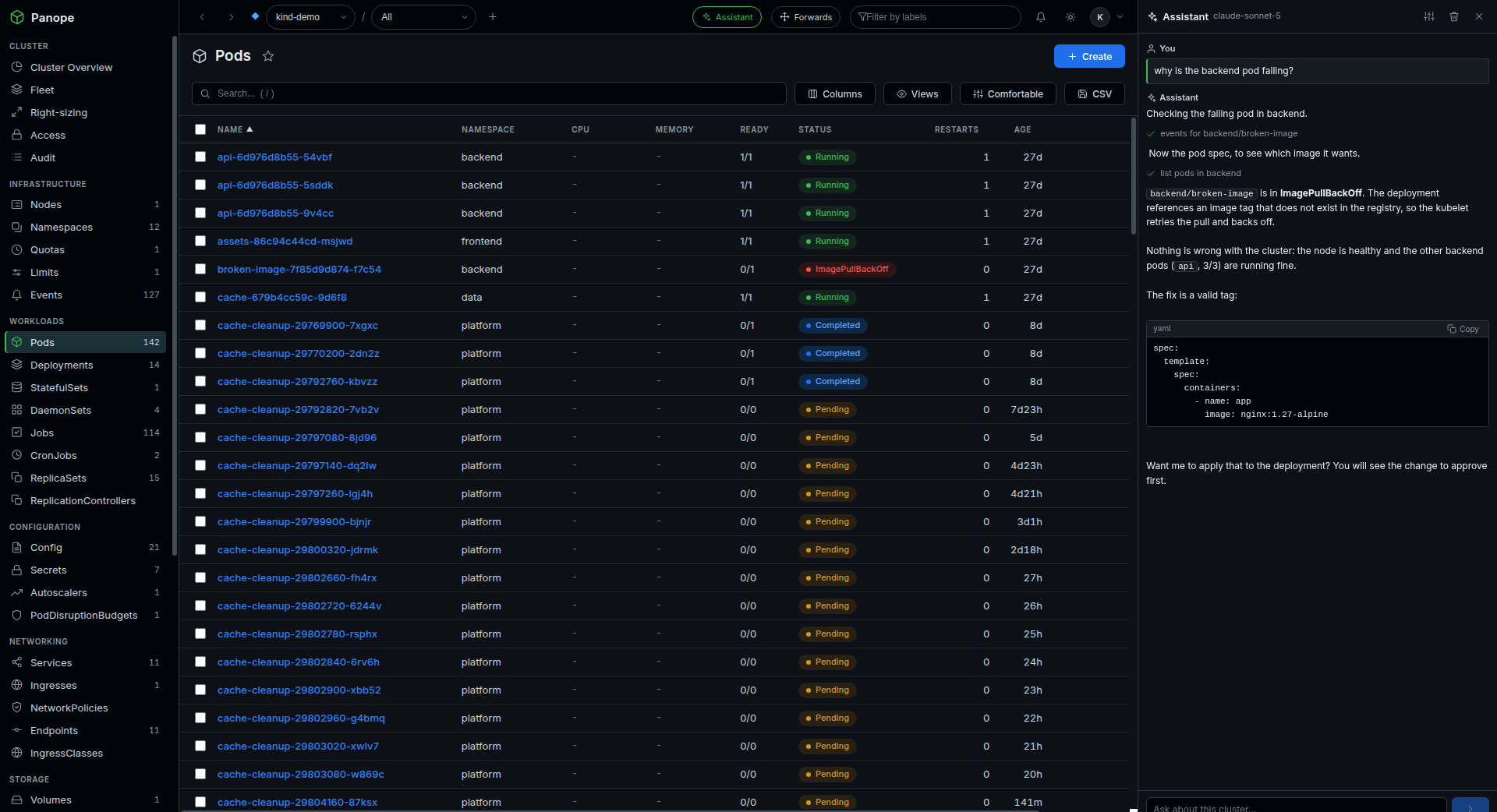
Ask why a pod is crashlooping, what changed in the last hour, or to scale a deployment
down. It reads logs, events, metrics and objects to find the answer, and it can act -
but only through you.
Bring your own model
Three ways to connect, so nothing is locked to one vendor or one bill:
Your installed Claude Code CLI, so usage rides your Claude plan with no API key
The Anthropic API with your own key
Anything OpenAI-compatible: Ollama, vLLM, LM Studio, OpenRouter, or OpenAI itself
Point it at a local model and the whole loop stays on your machine.
It cannot outrun you
Every read runs as your identity - it never sees more than you can
Anything that changes the cluster stops at a confirmation card you approve
Approved actions honour read-only mode and land in the audit log
Secret values and credential-like Helm values are redacted before they leave the box
New in 3.1.0: give it tools beyond Panope by adding your own MCP servers (a command
or an HTTP endpoint). Their tools are namespaced so they cannot shadow a Panope tool, and every
external call stops at the same confirmation card - because Panope cannot vouch for a third-party
tool the way it can for its own. On the Claude Code provider there is also an opt-in unrestricted
mode that hands the CLI its own shell and files, clearly marked as running outside Panope's gate.
# read-only by default, no Ingress, nothing exposedhelm install panope oci://ghcr.io/buzzwordy/charts/panope \
--namespace panope --create-namespace
# for a team: OIDC login + per-user impersonation.# the allowlist is required - the chart refuses a# blanket impersonation grant.helm upgrade panope oci://ghcr.io/buzzwordy/charts/panope -n panope \
--set auth.mode=oidc \
--set rbac.impersonate.enabled=true \
--set 'rbac.impersonate.groups={platform-admins}'
container image
# the same server the chart deploysdocker pull ghcr.io/buzzwordy/panope:3.4.1# it refuses to start without auth - deliberate.# to try it locally against your own kubeconfig,# opt out explicitly (never behind an Ingress):docker run --rm --network host \
-v ~/.kube/config:/kubeconfig:ro -e KUBECONFIG=/kubeconfig \
-e PANOPE_INSECURE_NO_AUTH=true -e PORT=8080 \
ghcr.io/buzzwordy/panope:3.4.1
A note on the security model
In cluster mode the ServiceAccount holds only the impersonate verb - it cannot
read a single pod on its own. Every request carries the logged-in user's identity, so the
API server authorises against their RBAC. Impersonation is applied at the client
level, which means watches, logs, exec and port-forwards all carry it too, and reserved
system: subjects are refused outright.
Give it a cluster and see
Point it at something you already run. It is read-only until you say otherwise.